The Problem
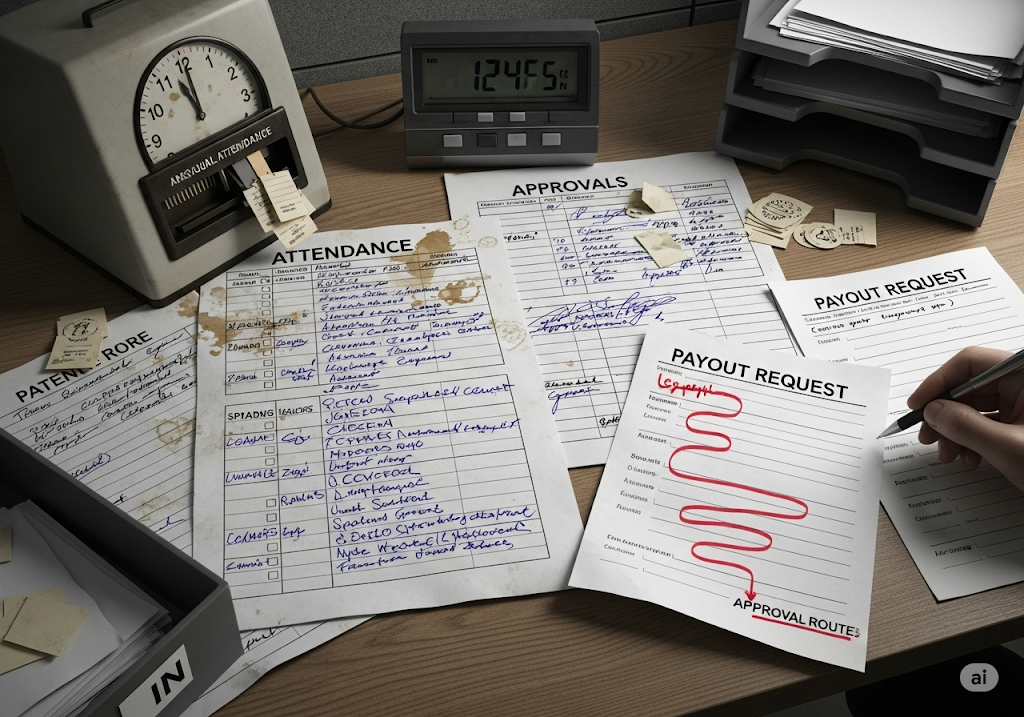
Manual attendance, scattered spreadsheets, unclear approvals, slow payout cycles.
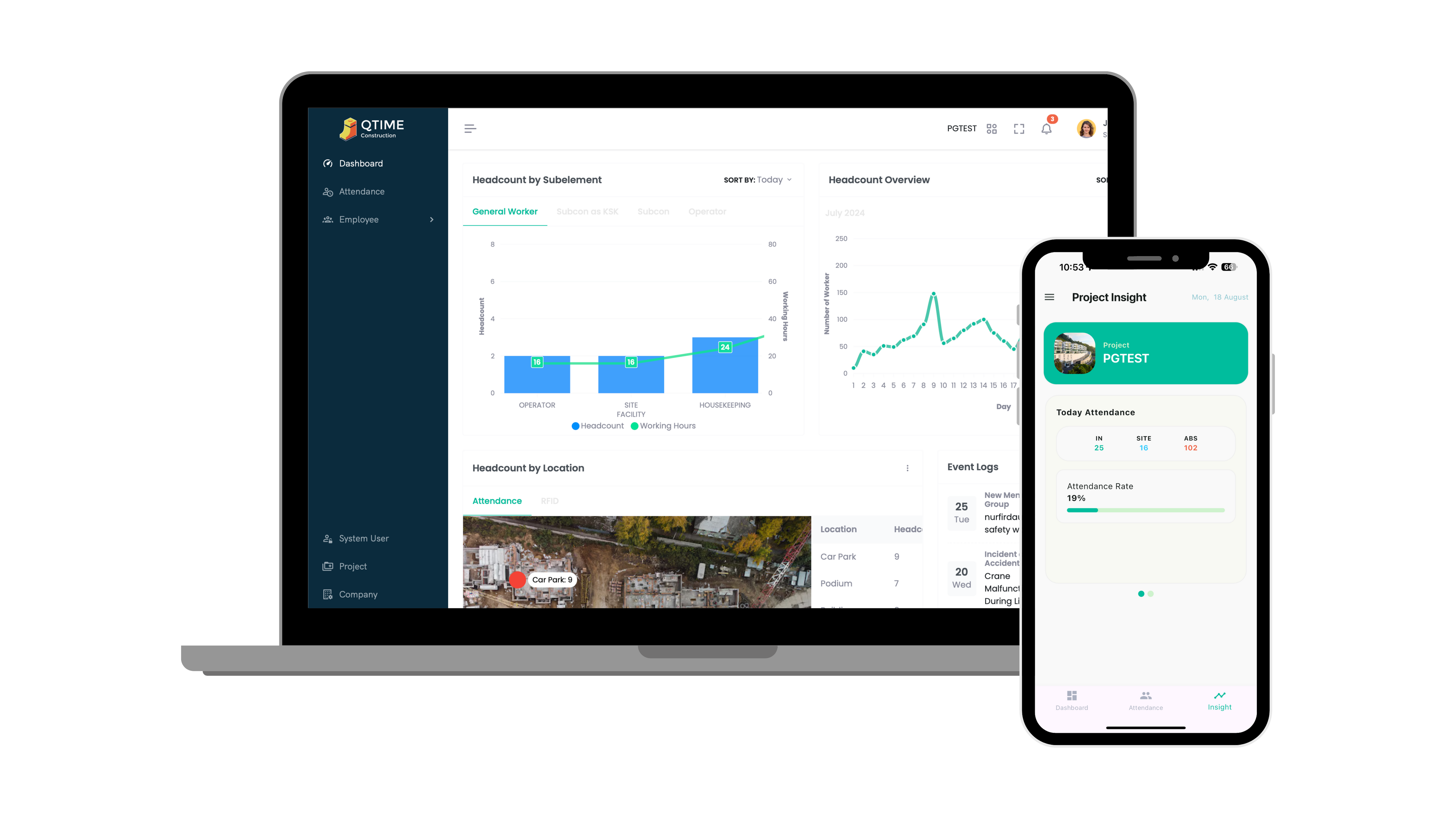
QTime connects biometric Face Scan attendance with on‑site Pre‑OT and back‑office payroll — so field and office stay in sync.
Note: GPS mobile clock‑in is optional; default attendance source is biometric Face Scan.
Manual attendance, scattered spreadsheets, unclear approvals, slow payout cycles.
Face-scan capture → role-based review → Pre‑OT on mobile → attendance approvals → payroll vouchers → reports.
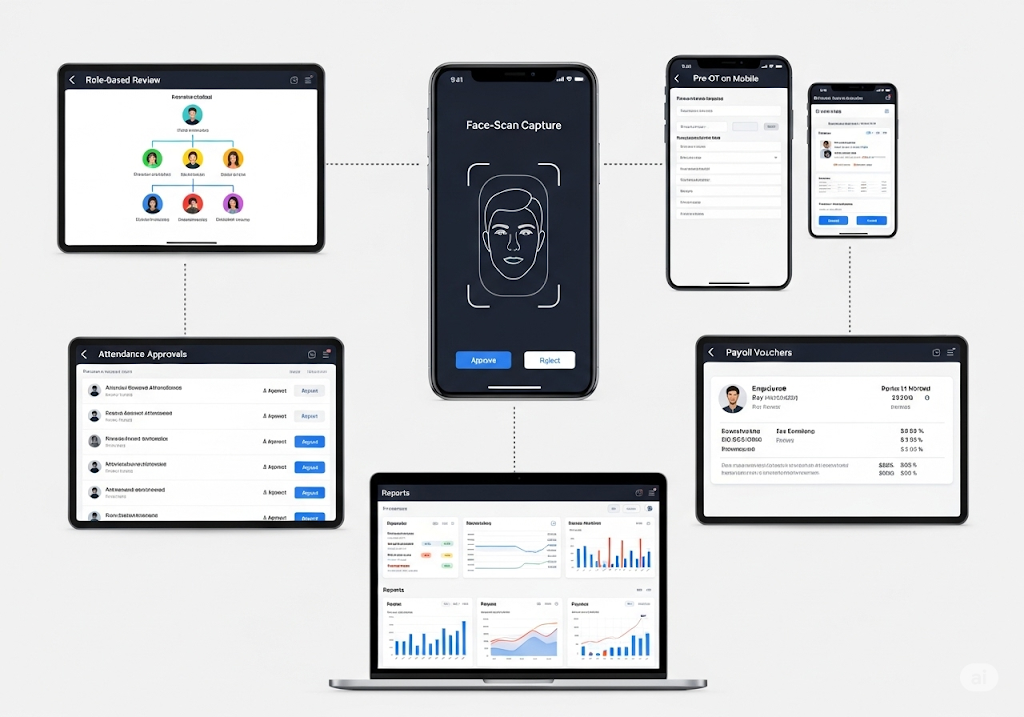
Tap into the flow for each role.
From Face Scan → App actions → Approvals → Payroll → Insights
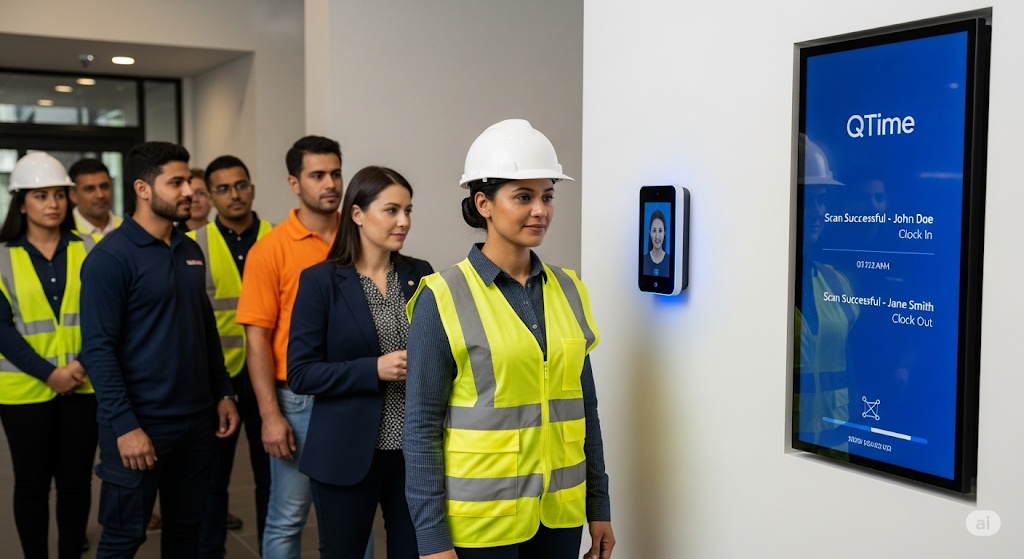
Workers clock in/out via Face Scan. Records sync to QTime automatically.
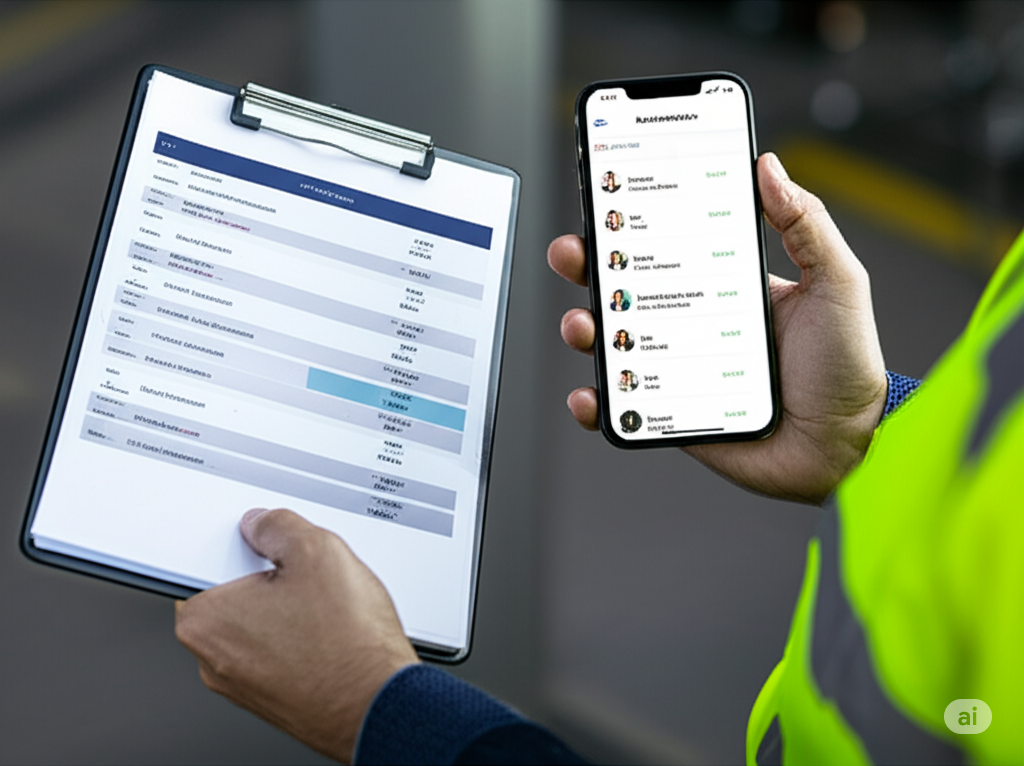
PIC checks worker IN/OUT, and ensures their workers are working as planned.
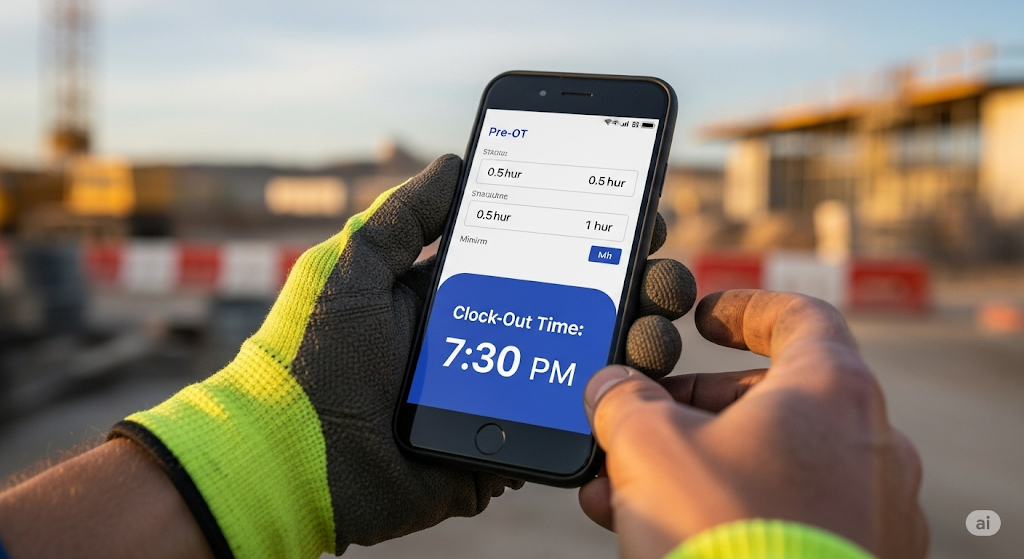
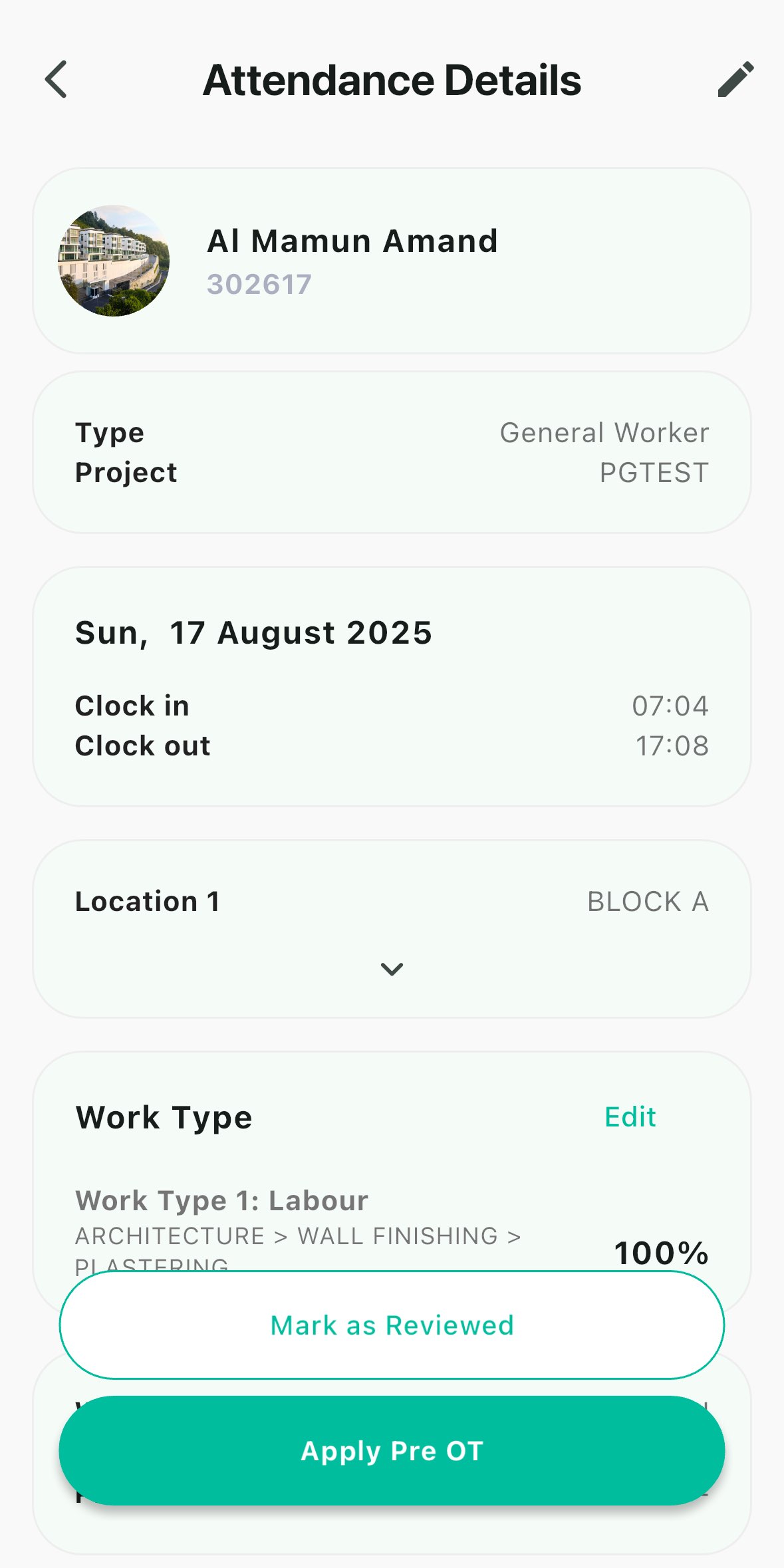
Submit Pre‑OT (min 1h), with calculated clock‑out shown.
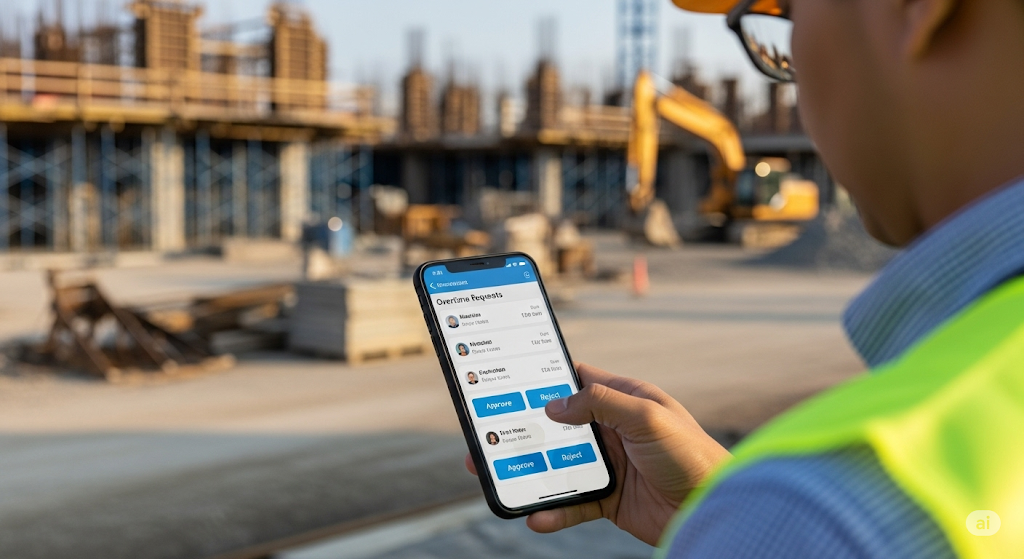
Project manager approve/reject pre-OT. The approved OT will be counted in salary calcualtion.
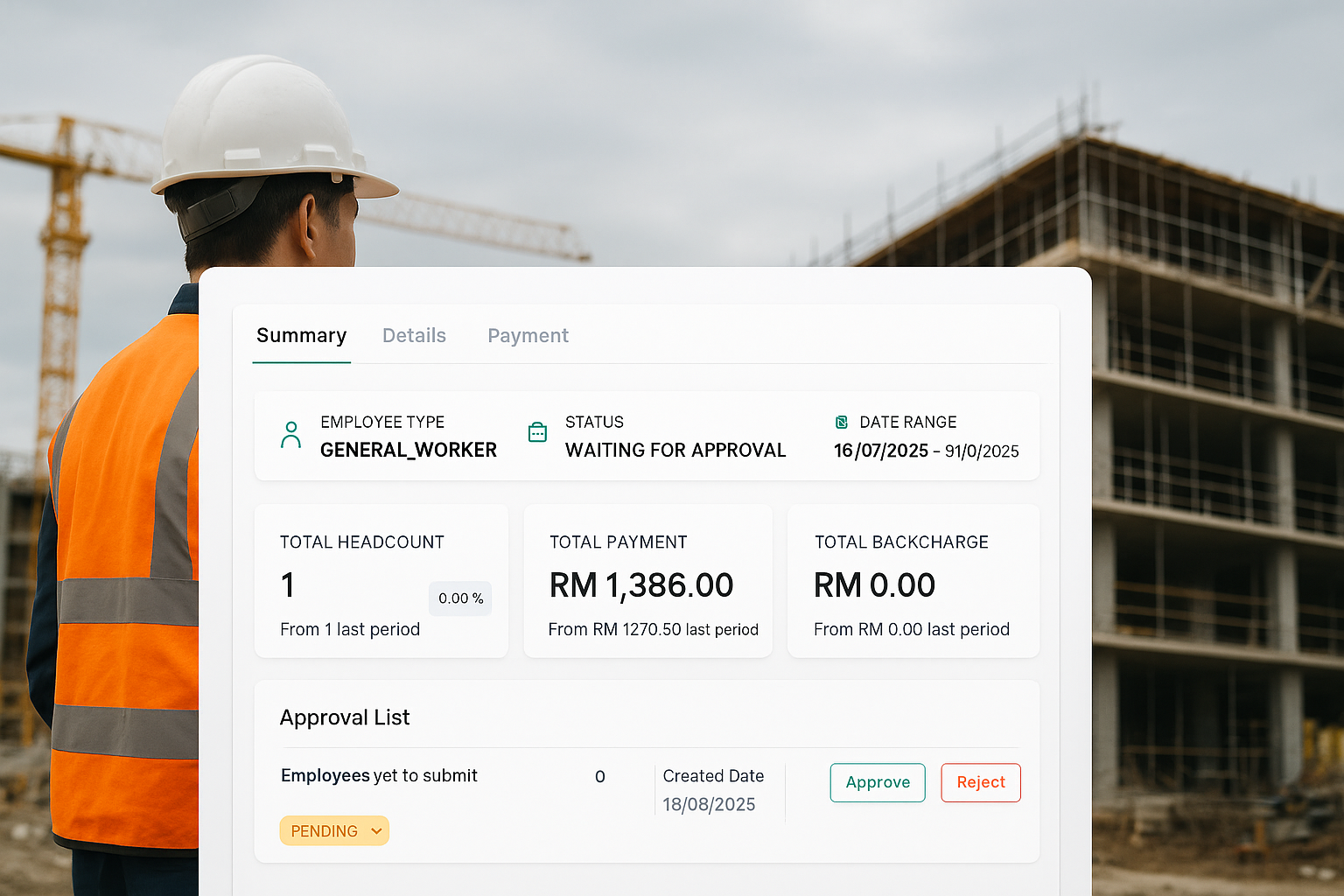
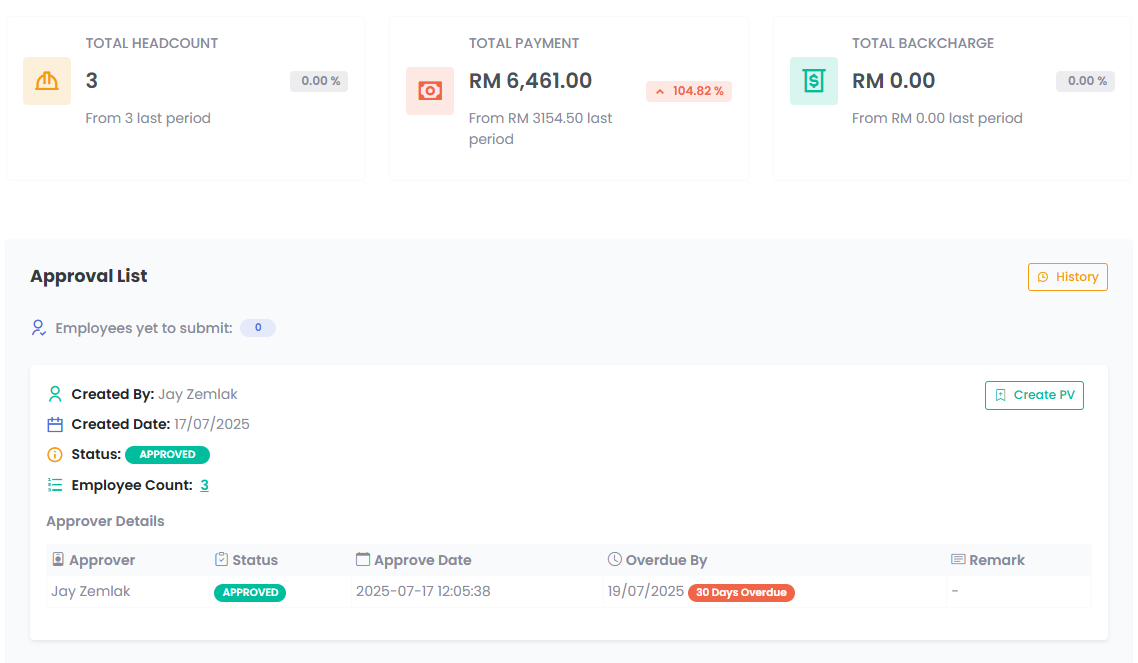
All required parties approve the attendance period before payroll.
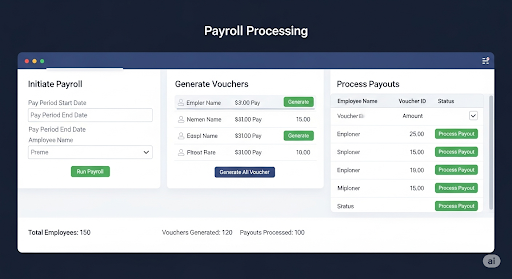
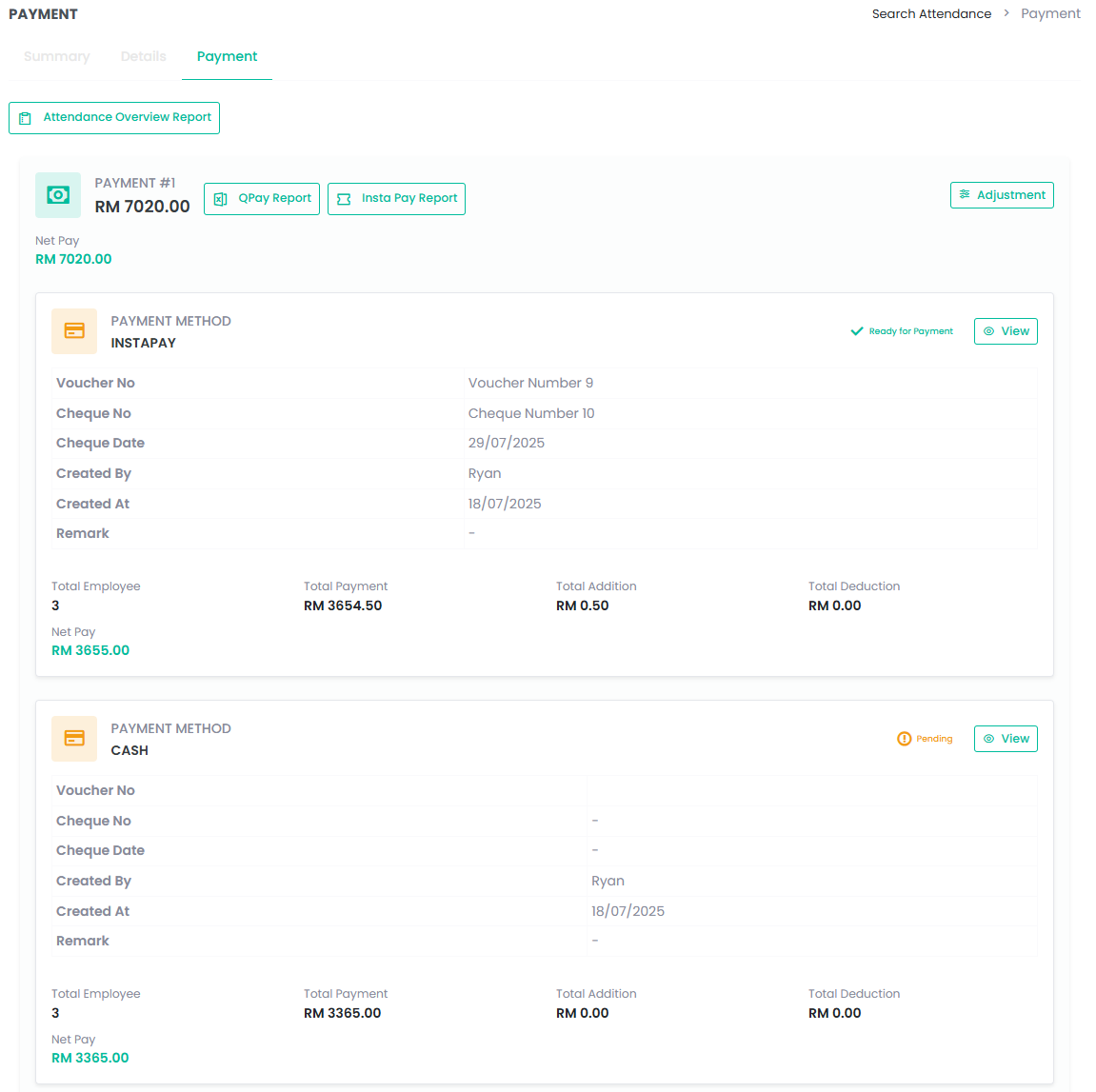
After approvals, payroll proceeds to vouchers and payouts.

Leaders track workforce trends across projects in real time.
Visual representation for end-to-end workflow
Deep control for attendance approvals, payroll, reports, and configuration.
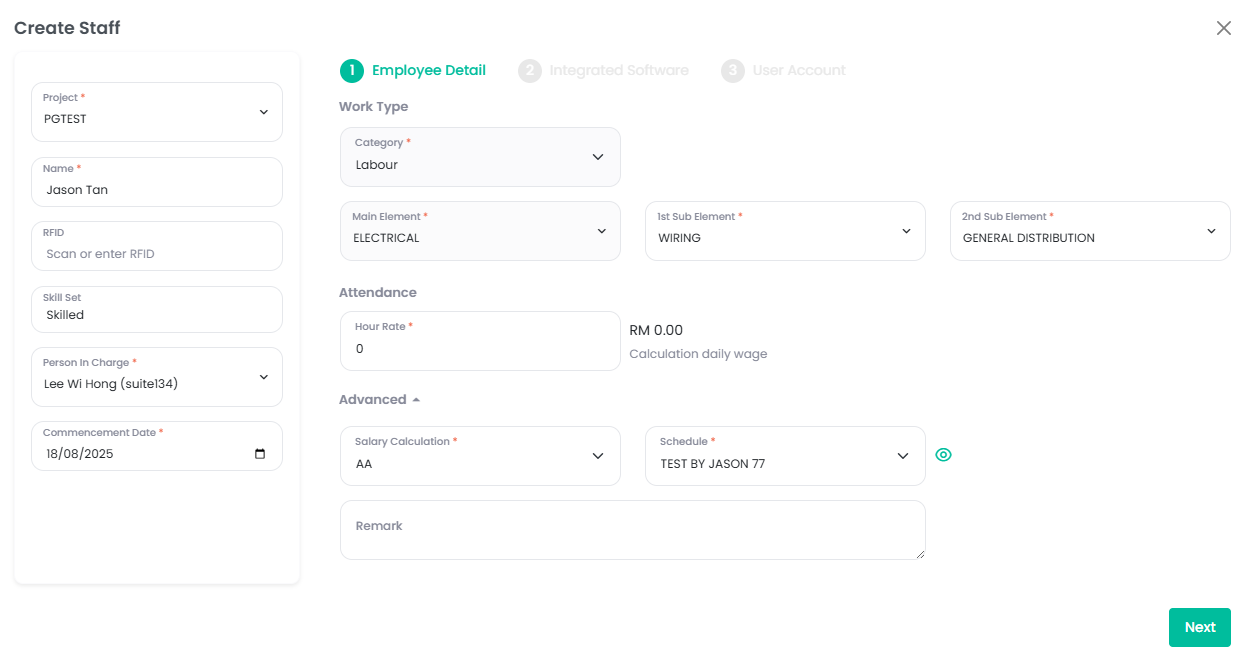
Register a new employee
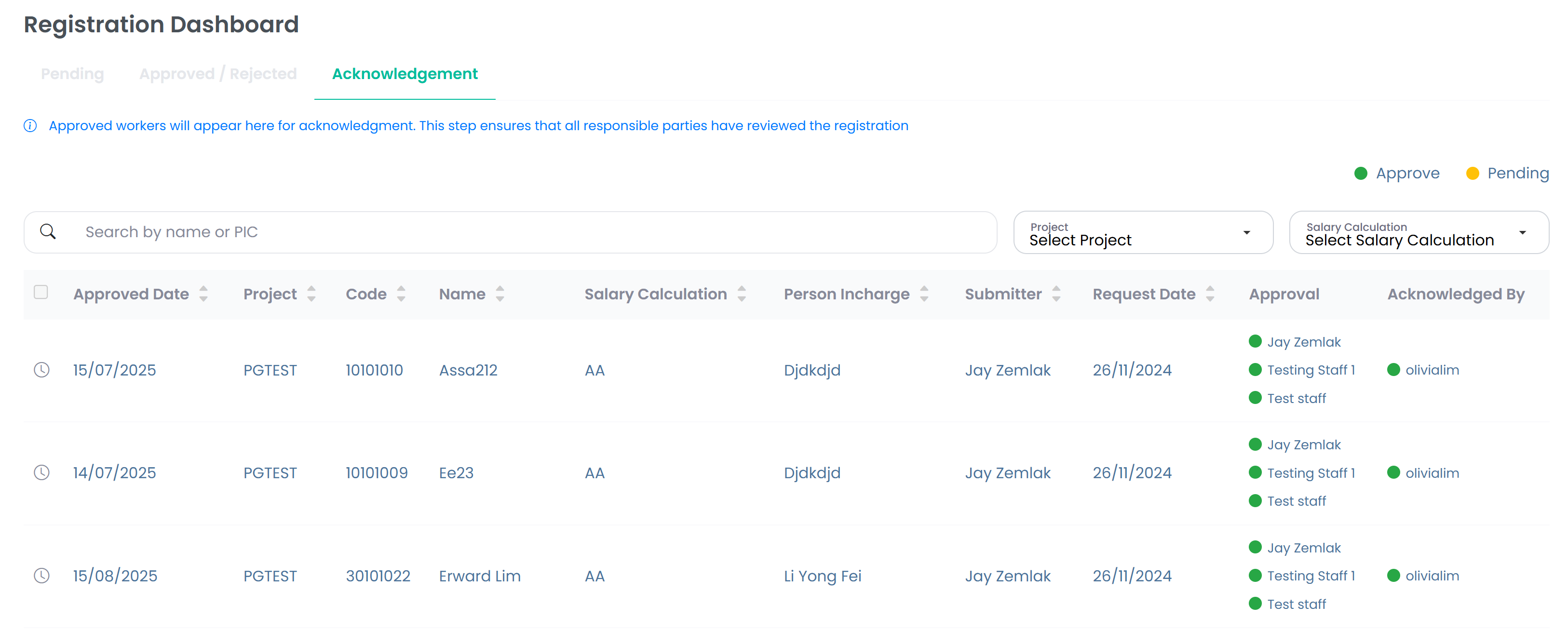
Route periods to PM/HR; all must approve before payroll.
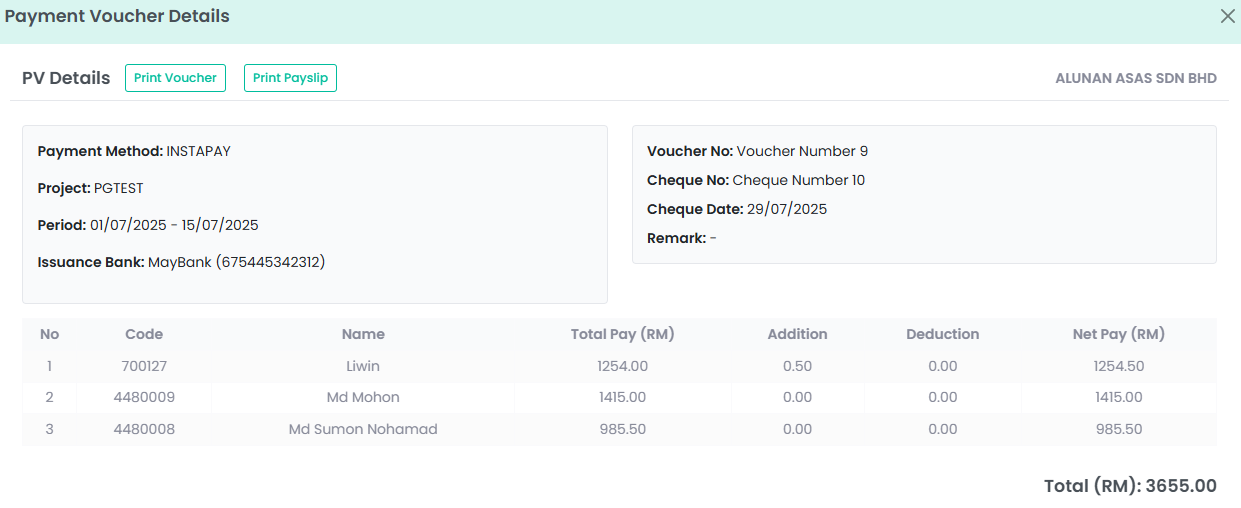
Generate vouchers, review adjustments, and export payslips.
Portfolio views, compliance tracking, and cost trends.
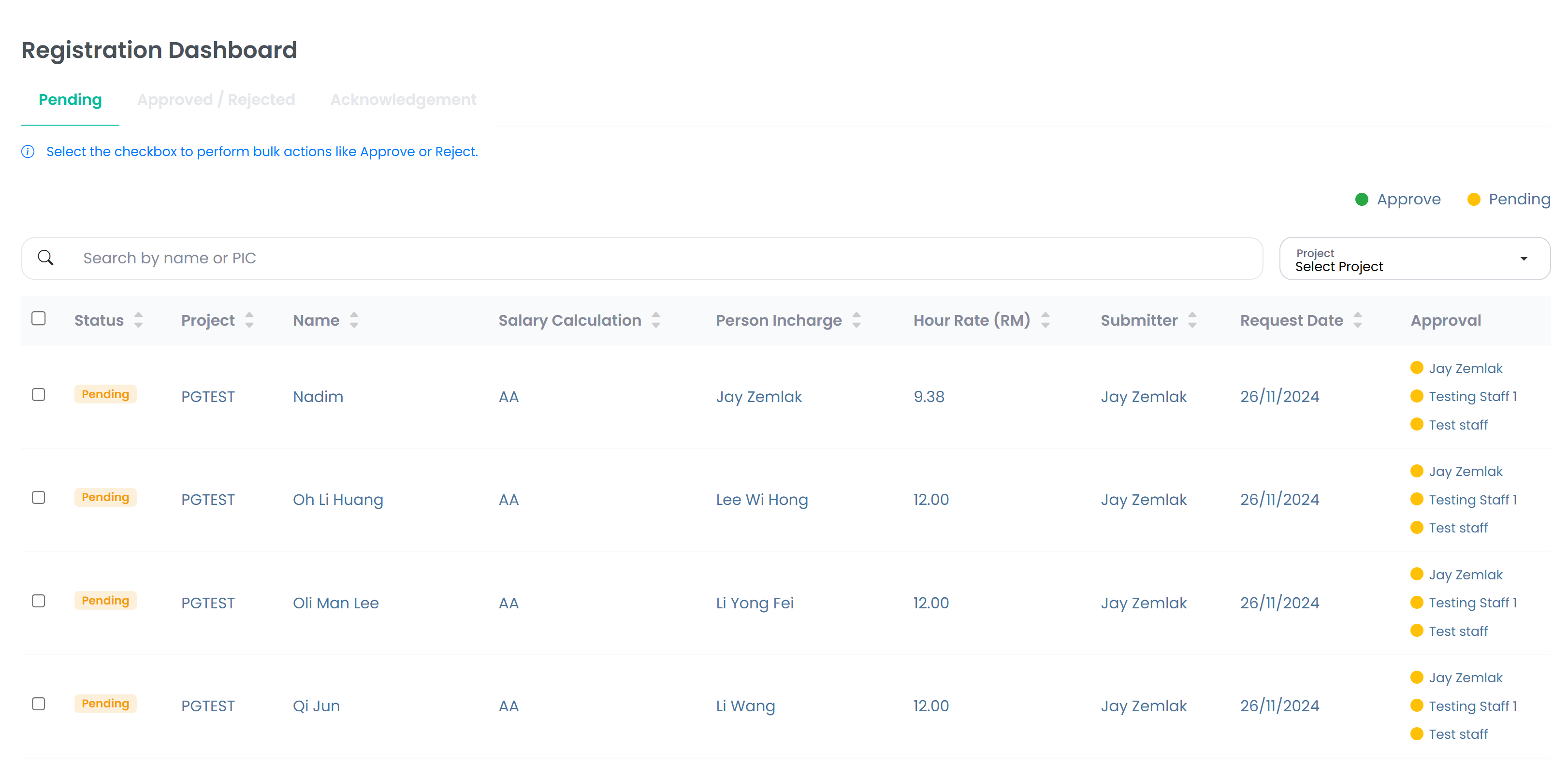
Employee registration — must be completed before employment commences
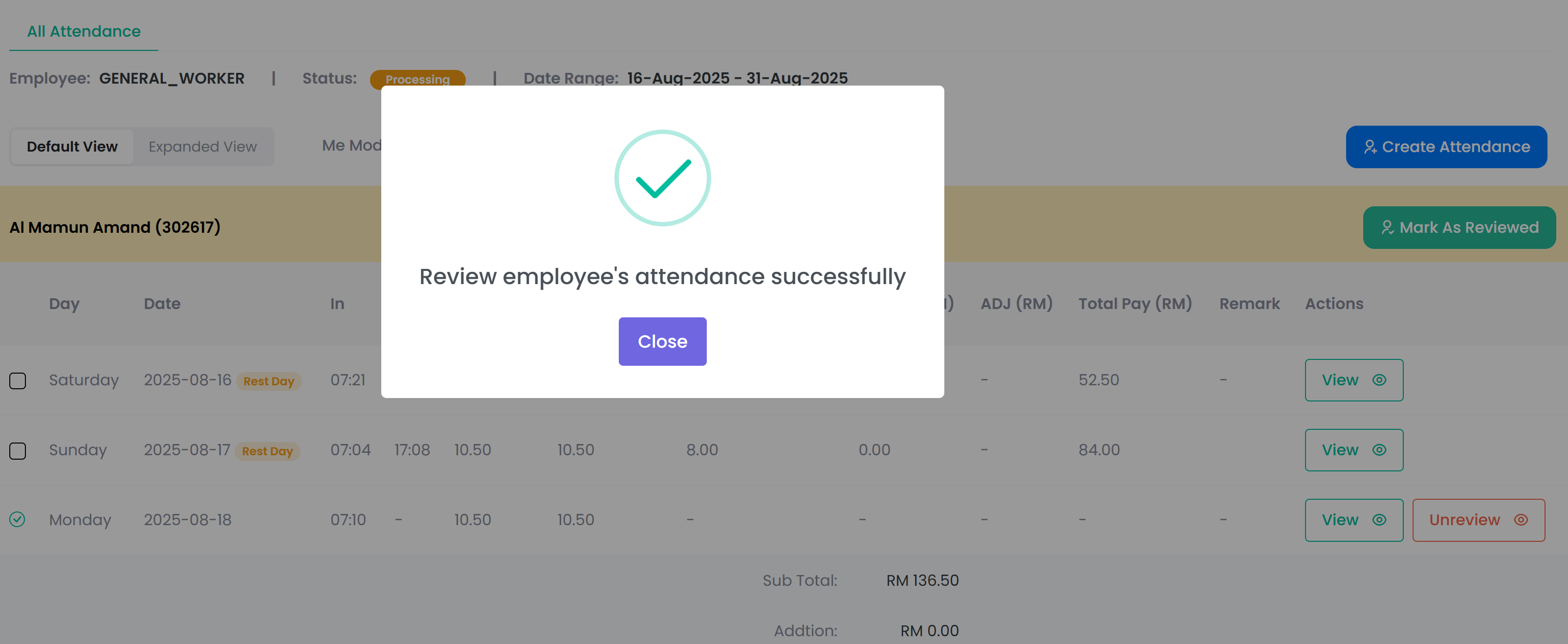
Attendance Approvals — all required parties must sign off before payroll.
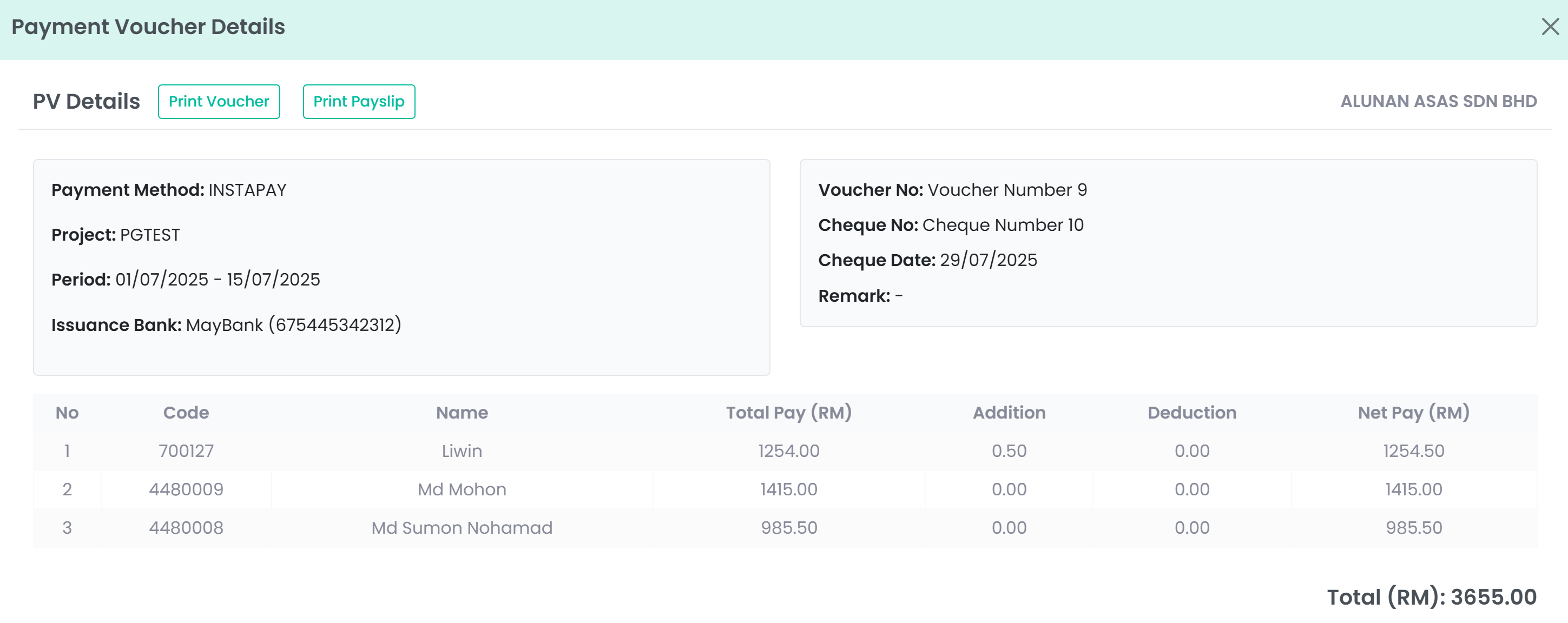
Payroll & Payslips — vouchers, adjustments, and exports.
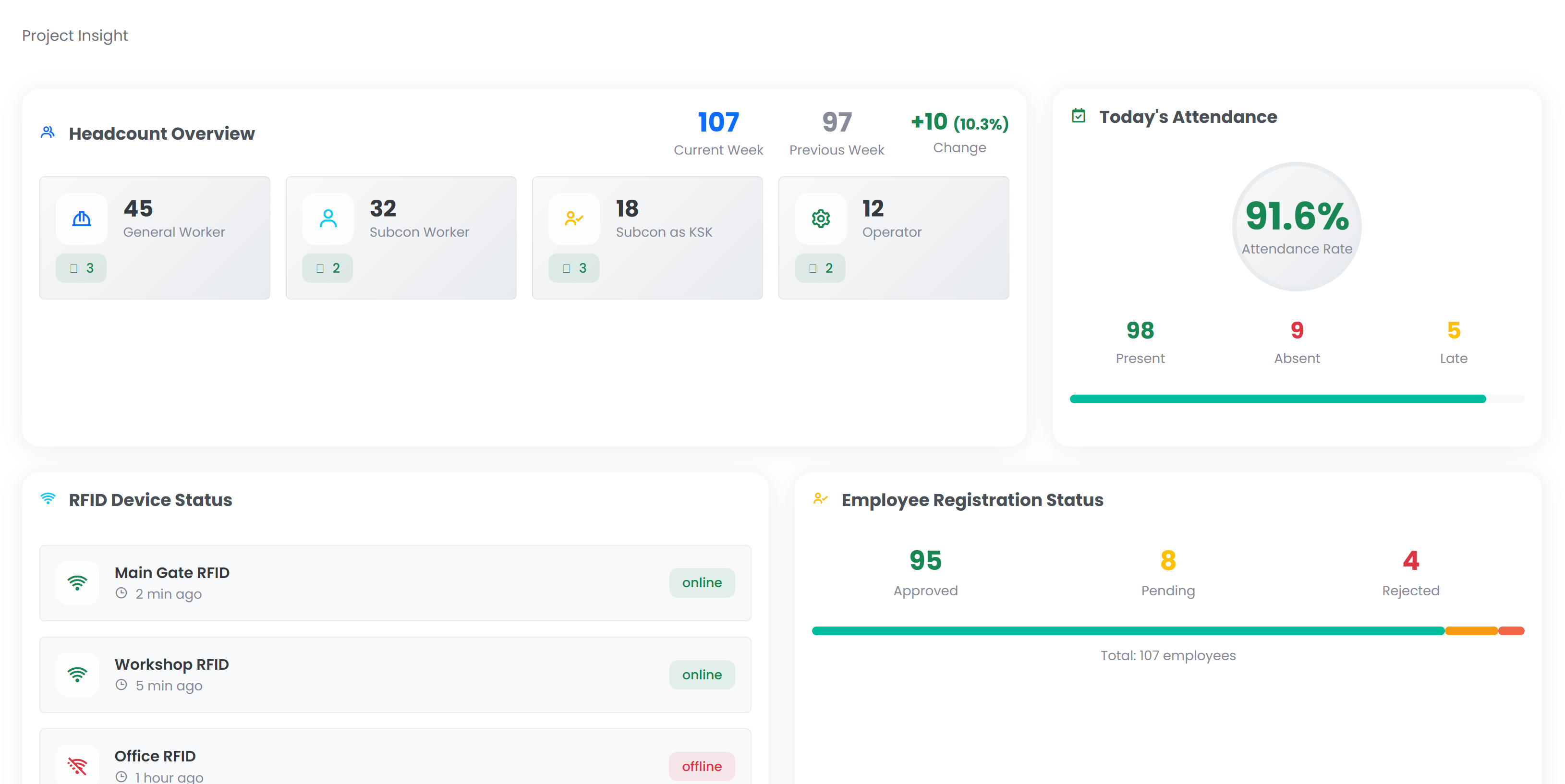
Reports & Analytics — portfolio dashboards and compliance trends.
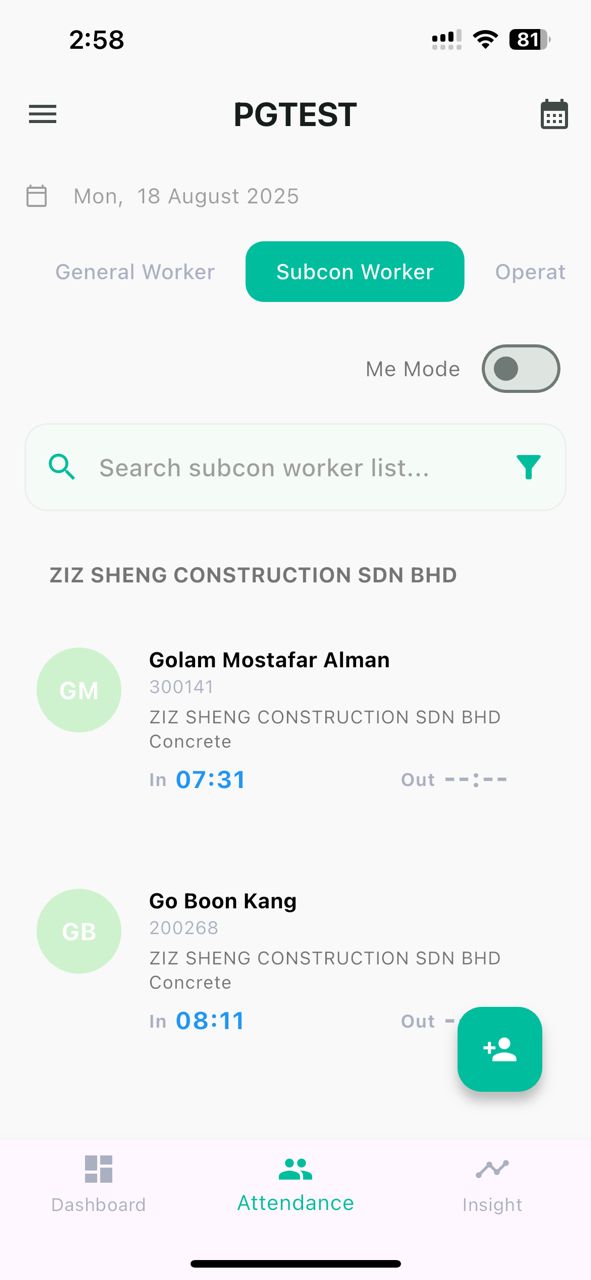
Me Mode, QS/Machinery filters; mark reviewed when clean.
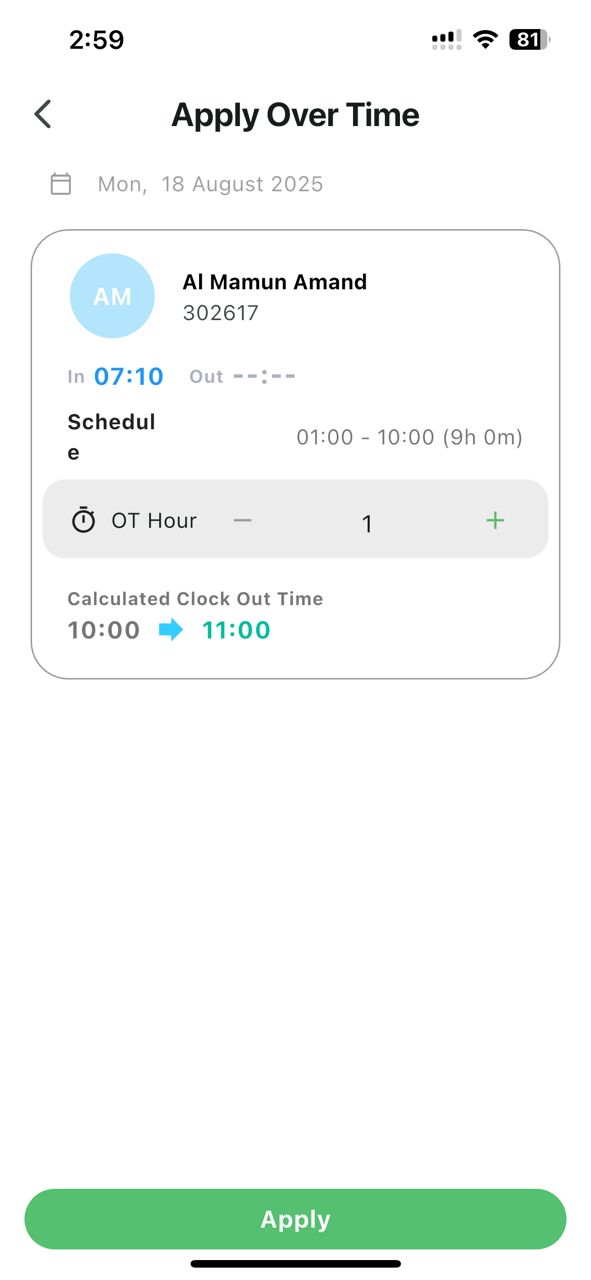
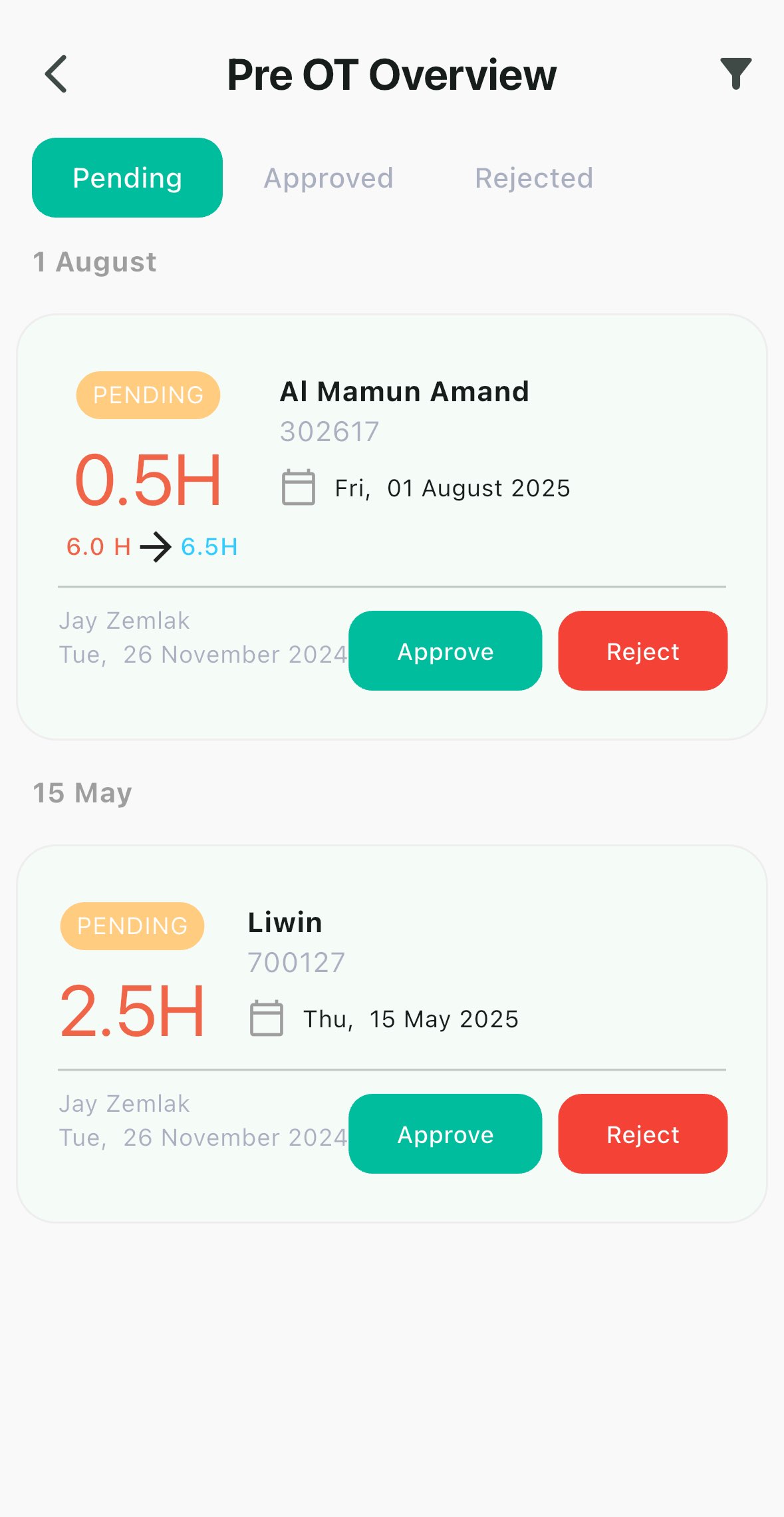
Submit in 0.5h steps; supervisors approve or reject on mobile.
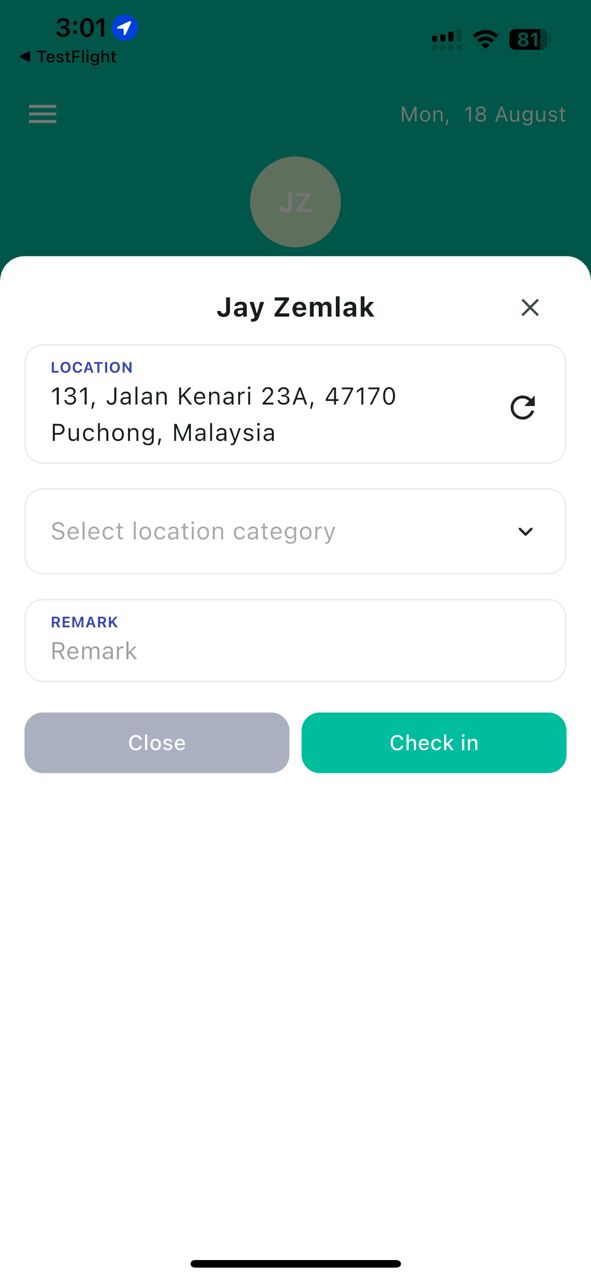
Shown only if enabled. Captures GPS + location category.
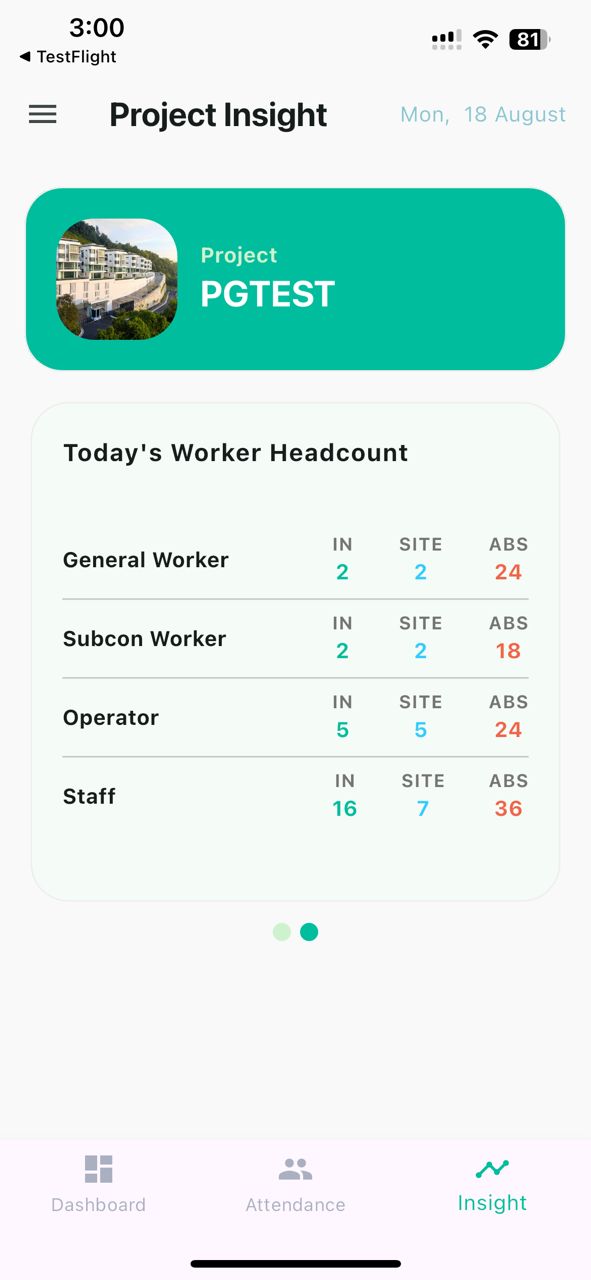
Switch projects, see today’s IN/SITE/ABS and attendance rate.
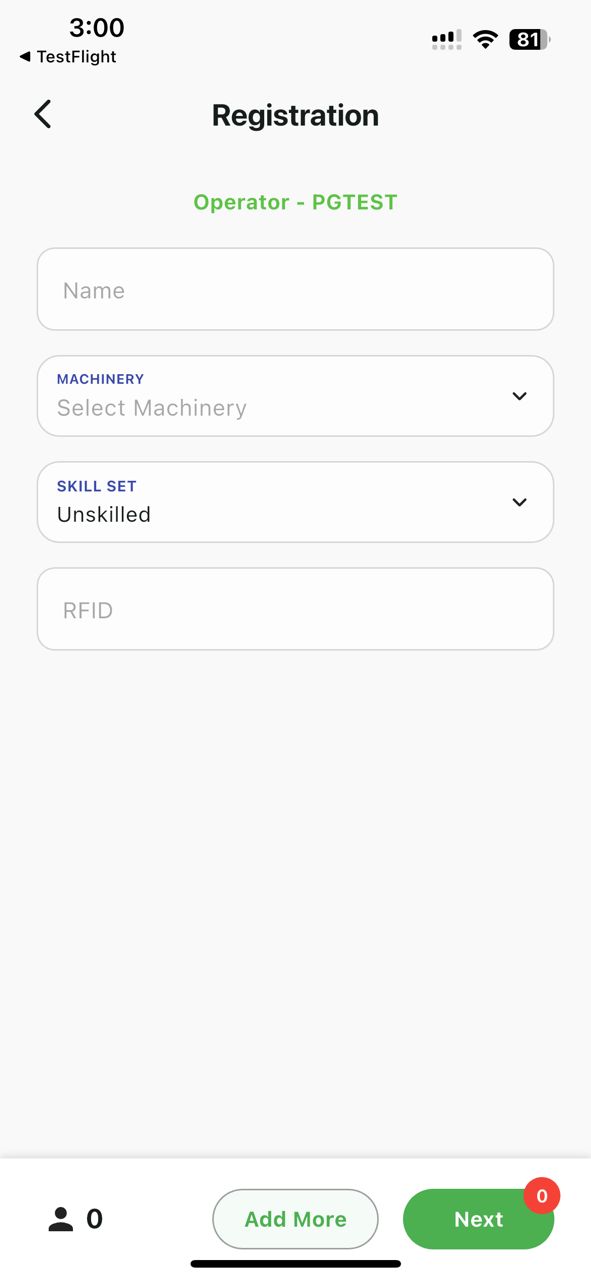
Add Subcon Workers & Operators; preview & submit batches.
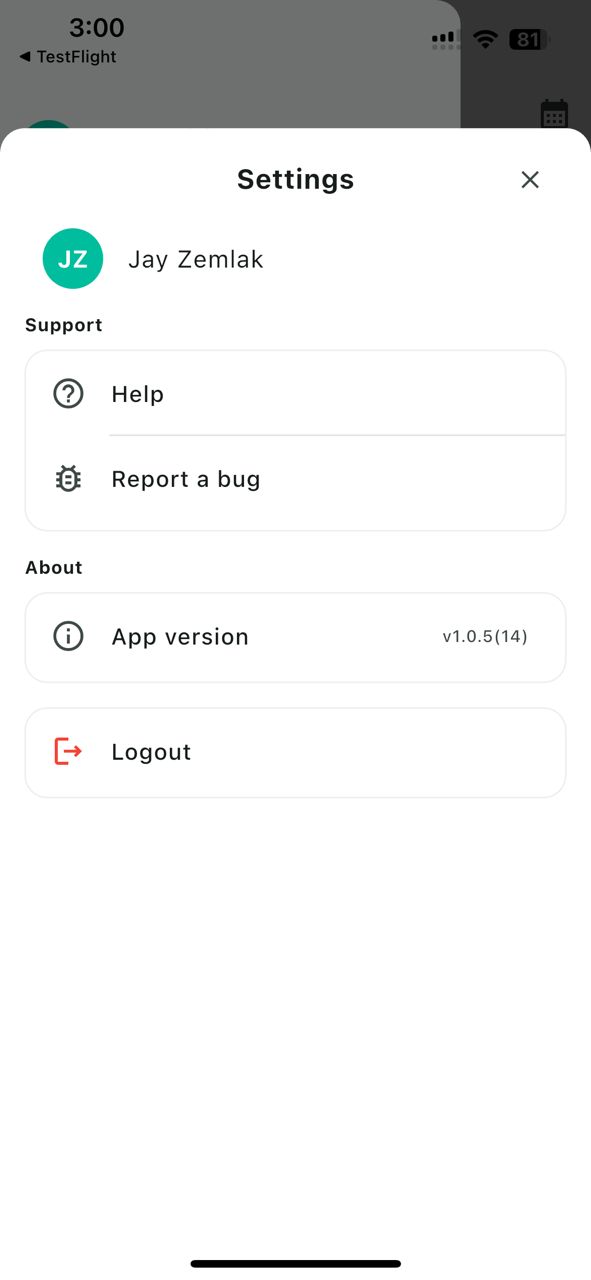
App version, logout, and quick link to report an issue.
Fast, field‑ready actions that feed the same source of truth.
Me Mode, QS/Machinery filters; mark reviewed when clean.
Submit in 0.5h steps; supervisors approve or reject on mobile.
Shown only if enabled. Captures GPS + location category.
Switch projects, see today’s IN/SITE/ABS and attendance rate.
Add Subcon Workers & Operators; preview & submit batches.
App version, logout, and quick link to report an issue.
Clear roles for field vs back‑office.
| Task | Mobile App (Field) | Web Platform (Back‑office) |
|---|---|---|
| Capture attendance | Optional GPS clock‑in (if enabled) | Default source is biometric Face Scan (device → DB) |
| Live daily attendance | ✅ List, filters, review | ✅ Extended views and exports |
| Apply Pre‑OT | ✅ From attendance details | — |
| Approve/Reject Pre‑OT | ✅ Pending list / details | — |
| Attendance approvals (period) | — | ✅ PM/HR approval gate before payroll |
| Payroll & payslips | — | ✅ Vouchers, adjustments, payslips |
| Project insights | ✅ IN/SITE/ABS & rate | ✅ Portfolio dashboards |
| Register workers | ✅ Subcon/Operator quick add | ✅ Full registration & config |
Click any image to enlarge. Replace placeholders with your real screenshots or short GIFs.
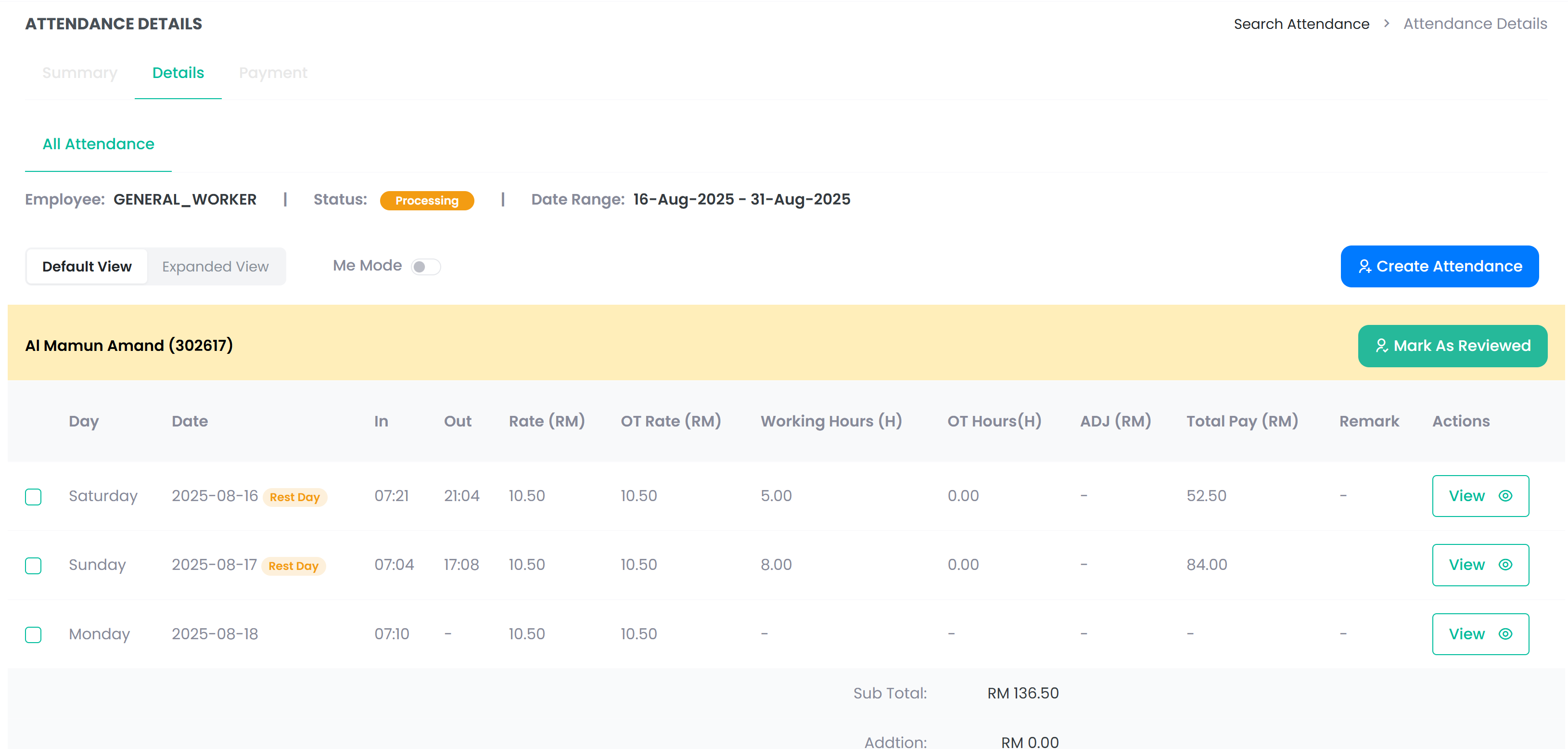
Daily Attendance List — tabs, filters, Me Mode.
Apply Pre‑OT — stepper control with live clock‑out calc.
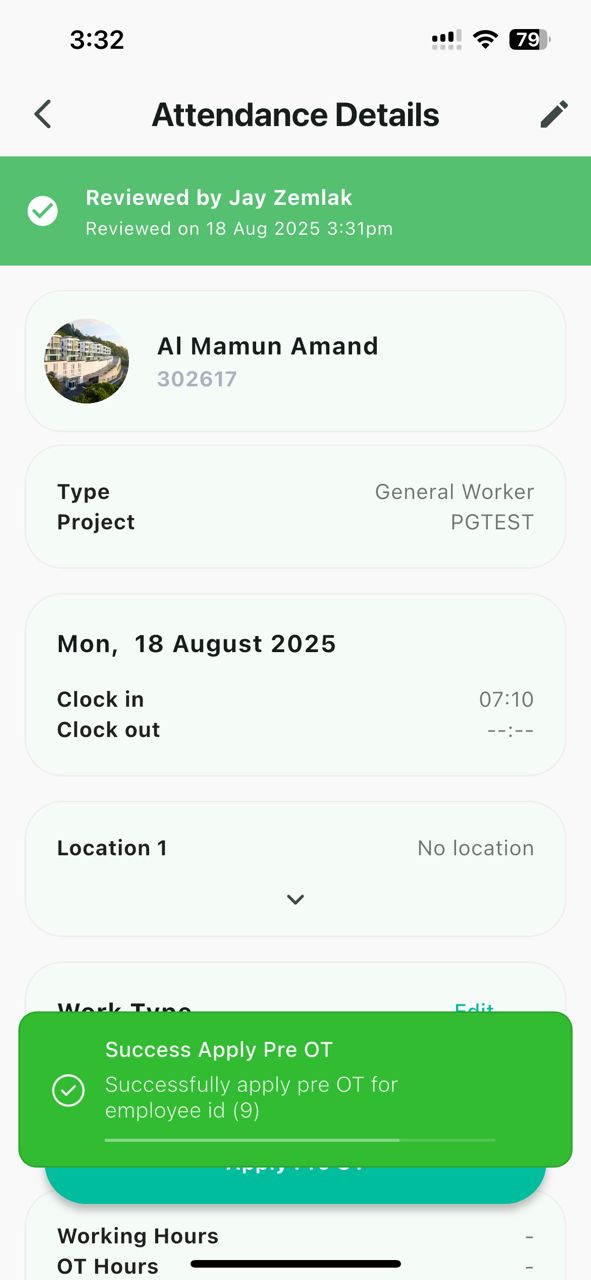
Approve/Reject Pre‑OT on the Pending list or details.
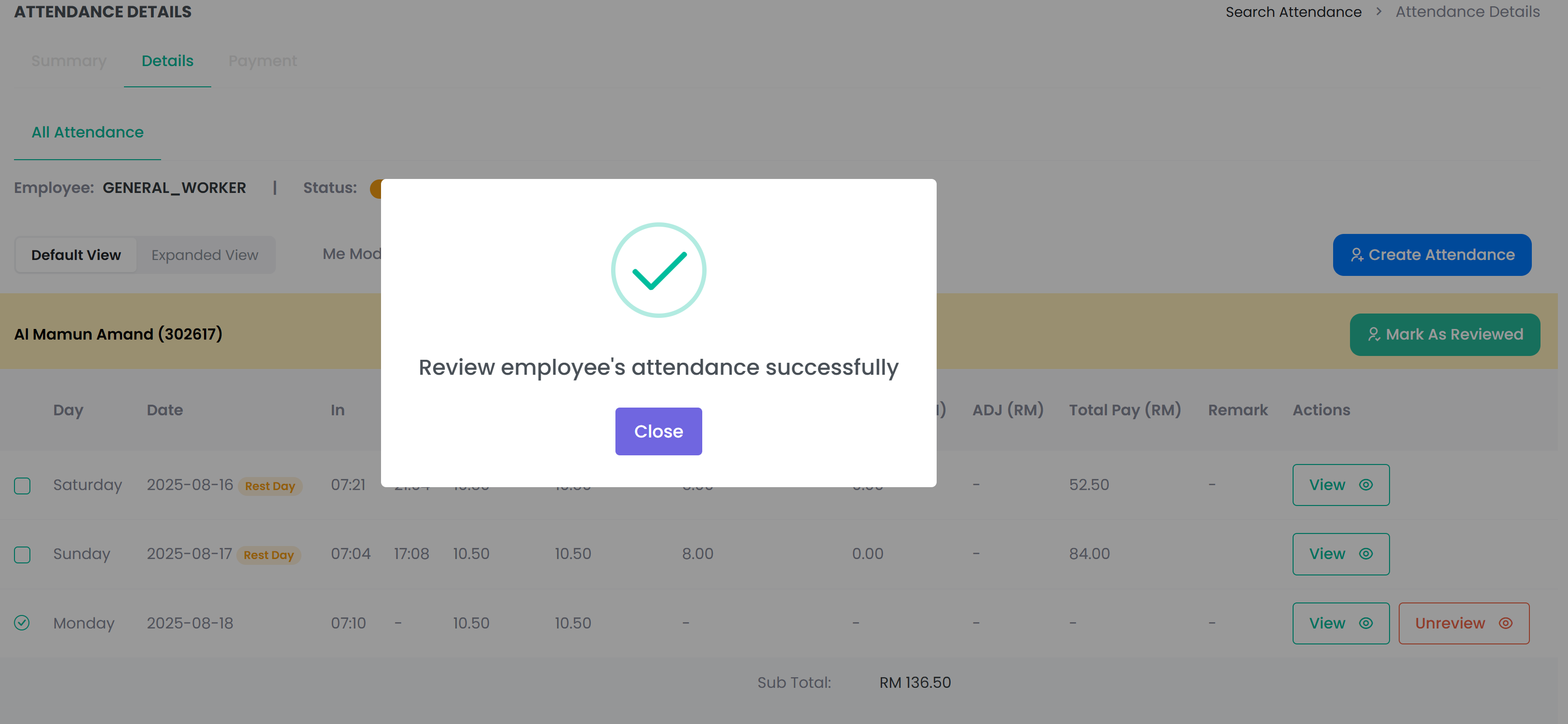
Attendance approval gate by PM/HR before payroll.
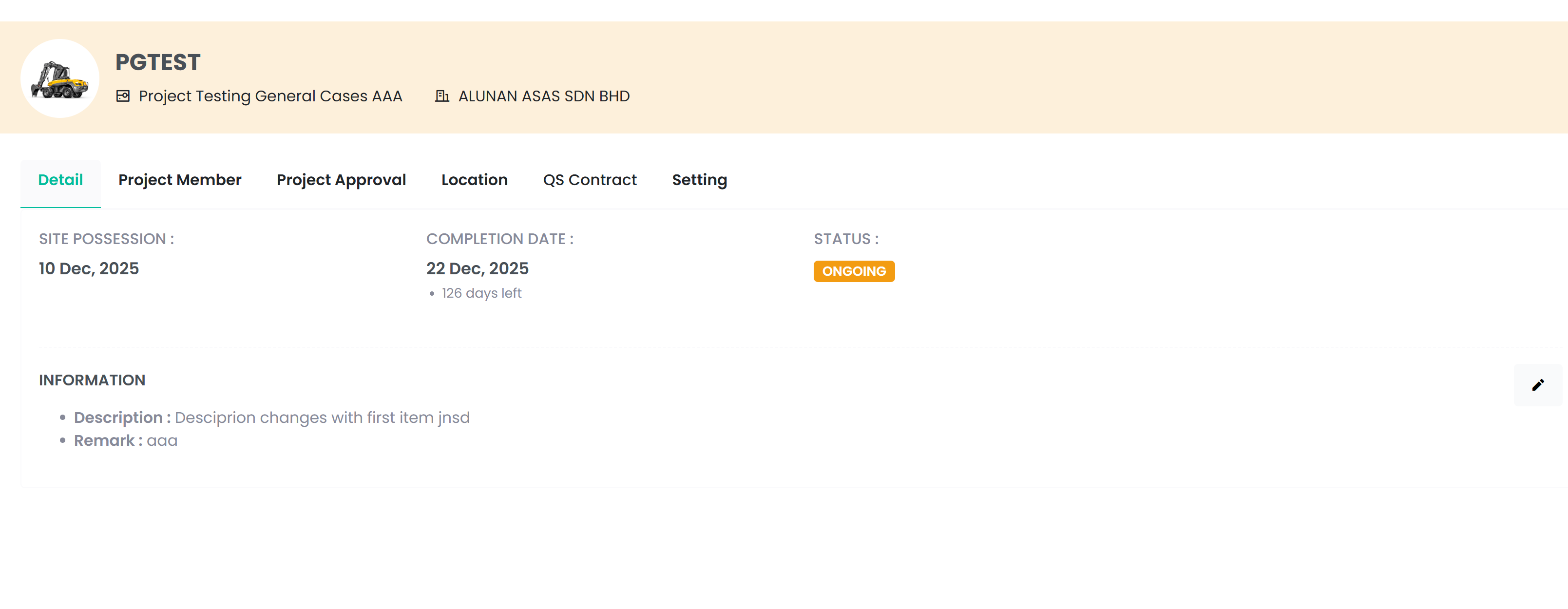
IN/SITE/ABS and attendance rate by employee type.
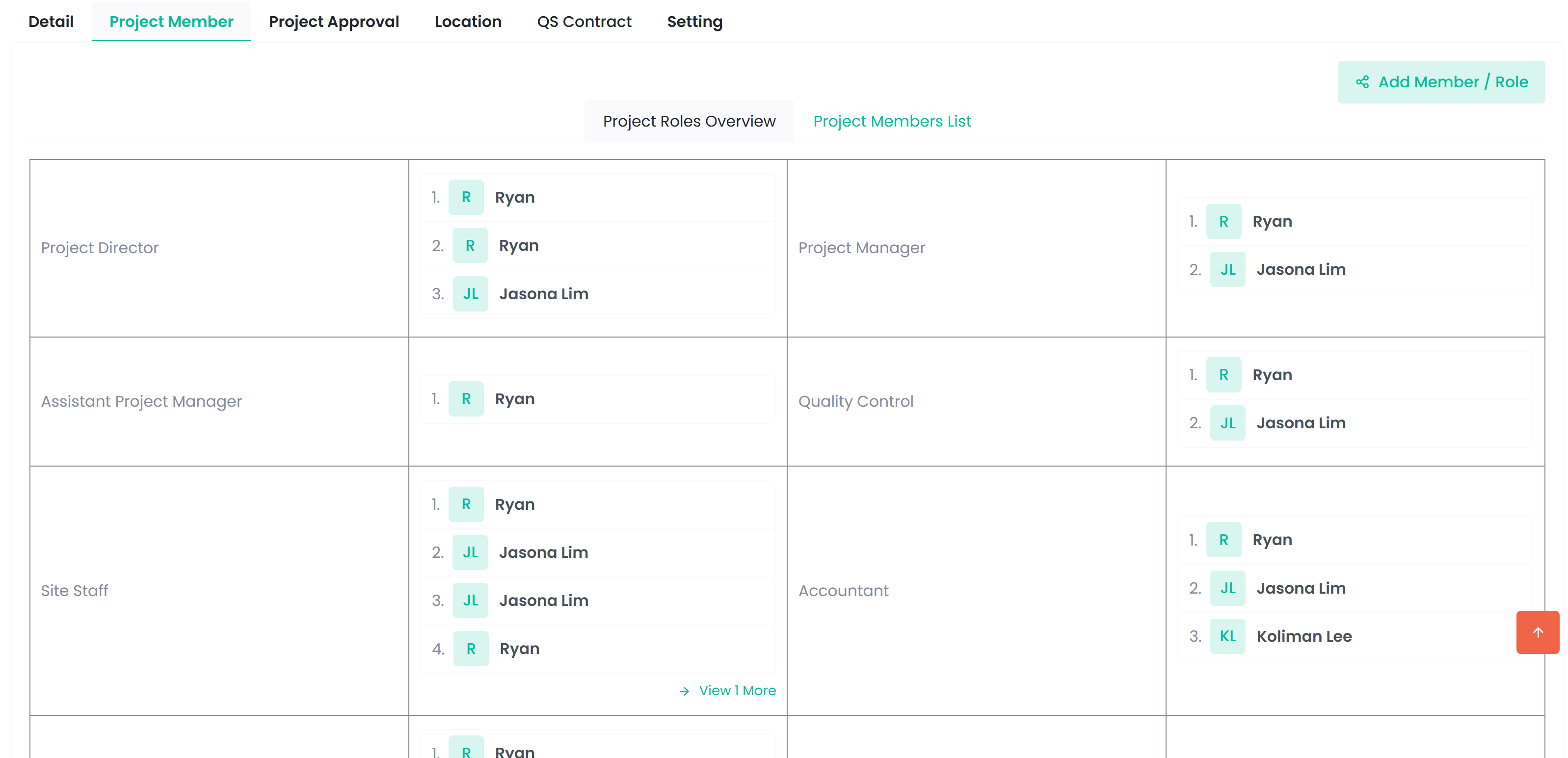
Project members.
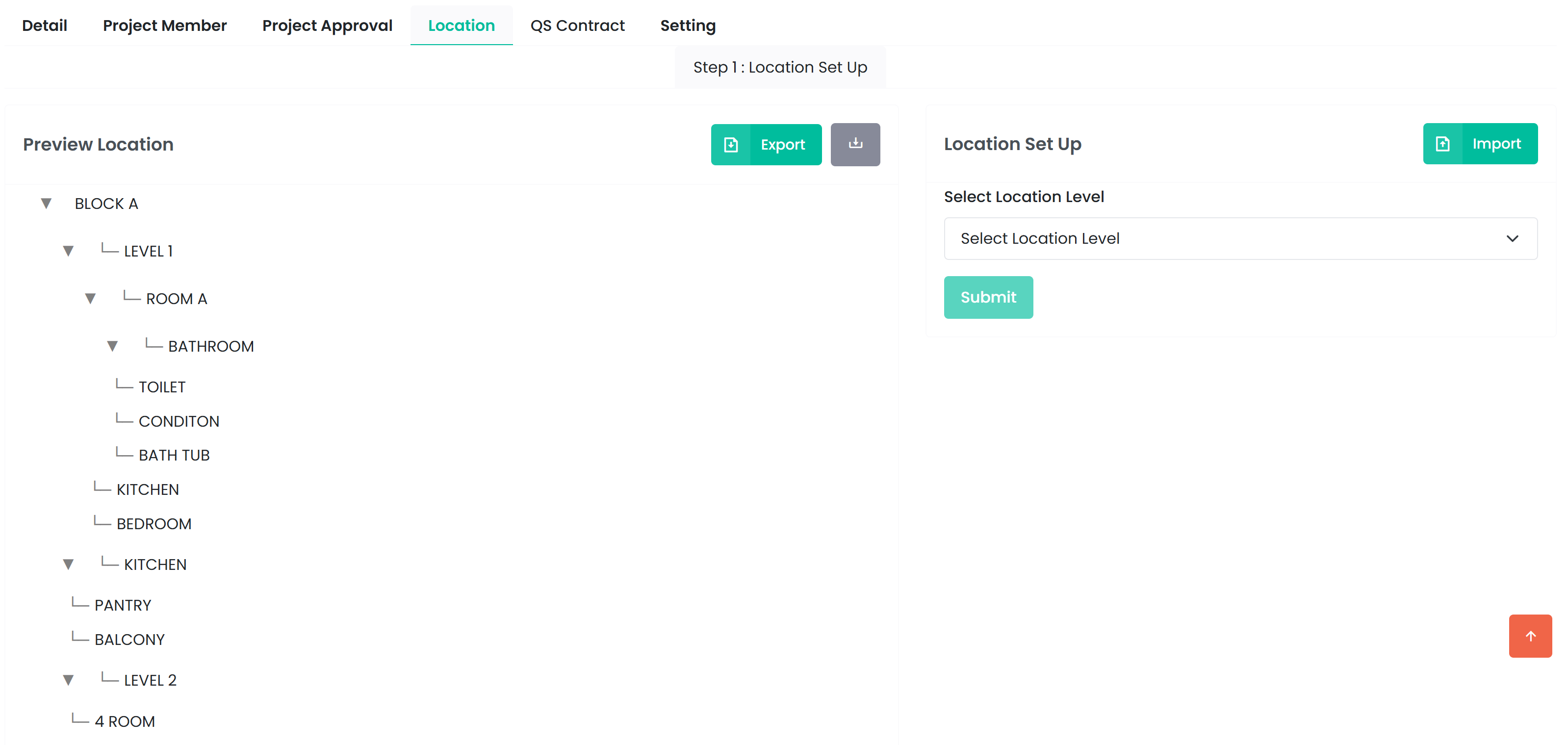
Project location.
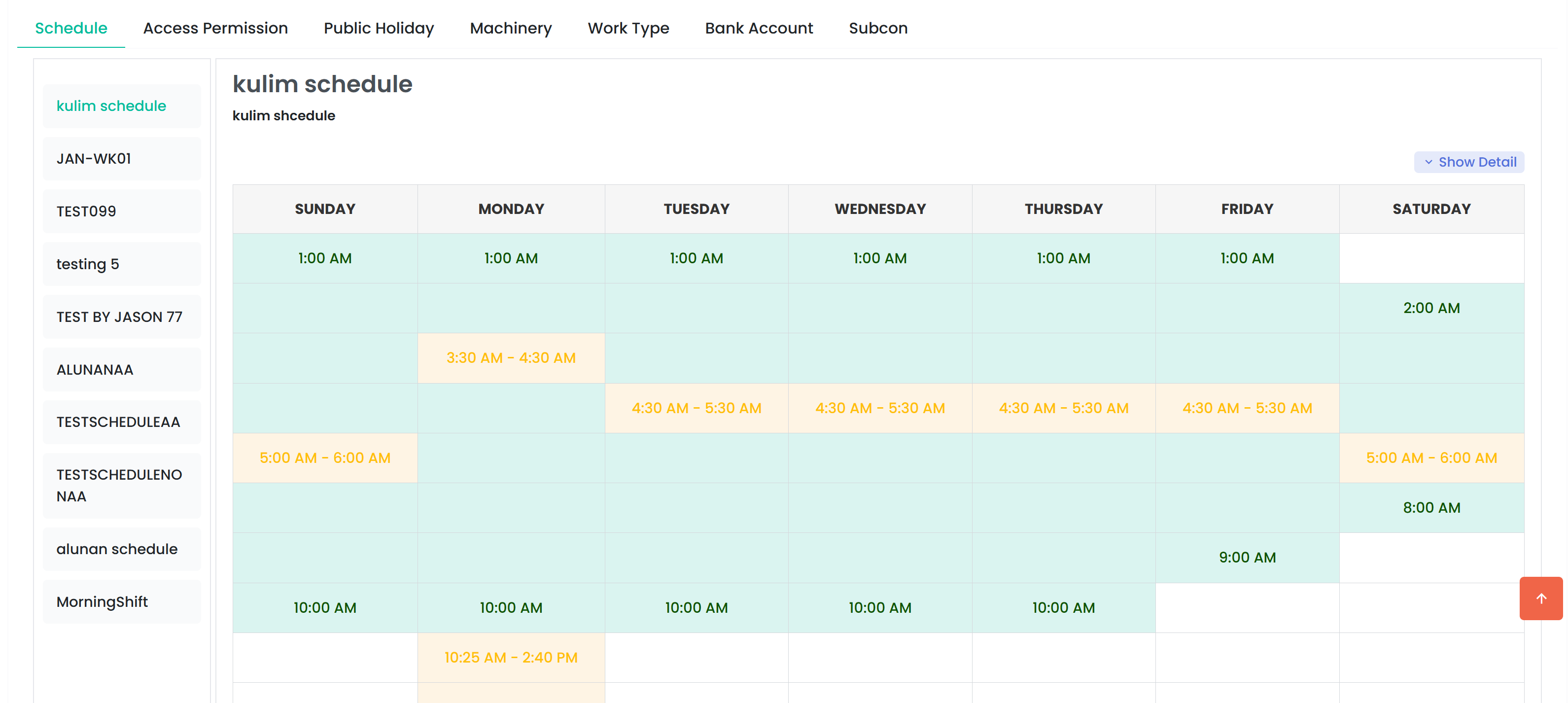
Company schedule.
[Coming Soon]
Example:
Project ABC reduced payroll preparation time by 35% after standardizing approvals and using Instapay export.

Biometric Face Scan devices integrated to QTime. GPS mobile clock‑in is optional per user.
On the mobile app (Pending list or details), with appropriate permissions.
Only after all attendance approvals (PM/HR etc.) are completed on the web platform.
Share a sample period — we’ll walk through capture → approvals → payroll.
Book 20‑min Walkthrough